How to Use AI Productively in Software Engineering
What empirical studies from METR, DORA, Stack Overflow, and GitHub reveal about AI in engineering, plus actionable workflows to accelerate delivery without sacrificing code quality.

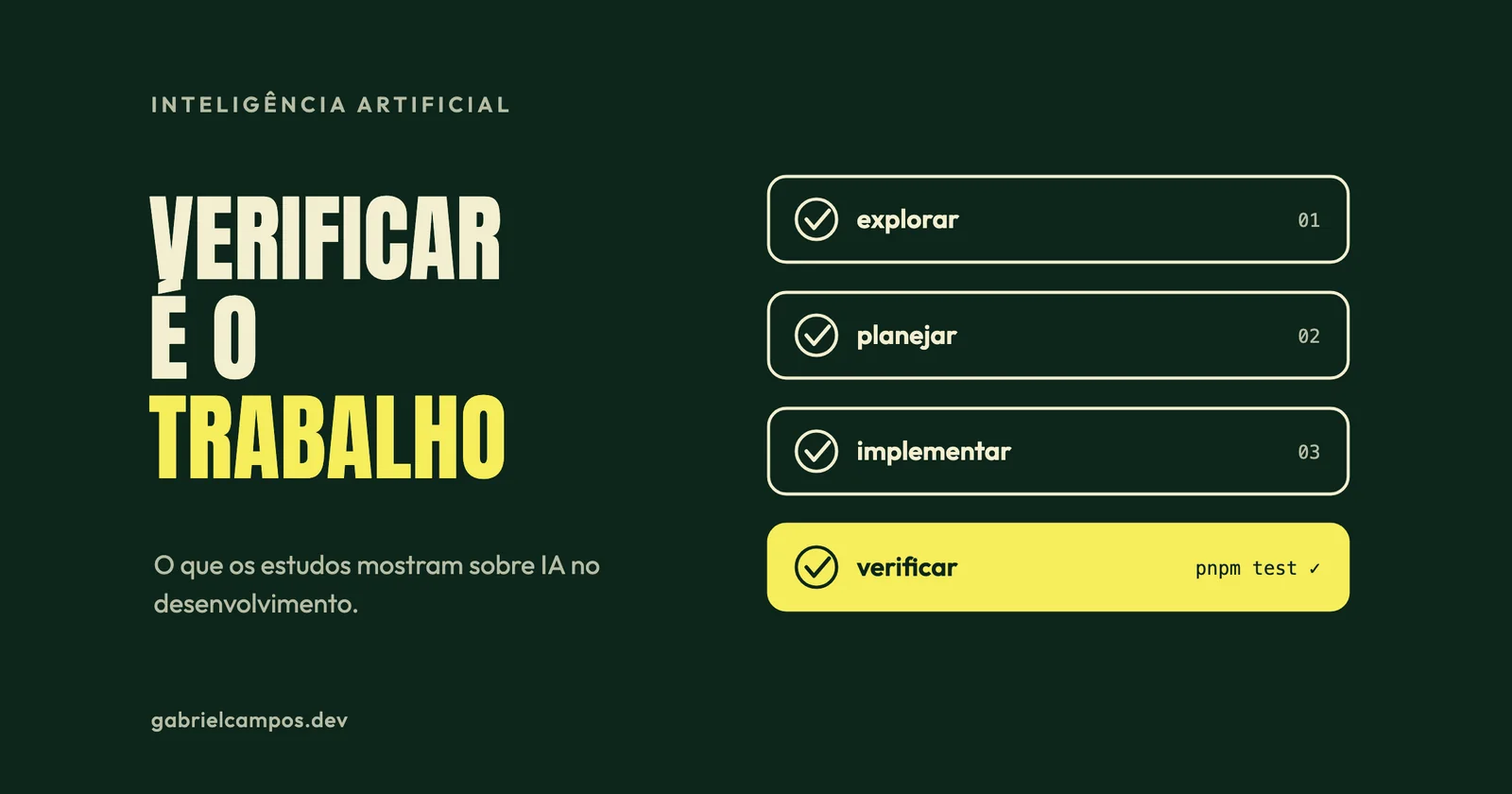
AI coding assistants have become part of daily engineering routines across the software industry. Public discourse around them, however, typically oscillates between hyperbolic extremes: “AI creates a 10x developer overnight” versus “AI produces nothing but unmaintainable garbage.” Rigorous empirical data tells a much more interesting—and useful—story than either camp suggests.
In this article, I synthesize findings from controlled studies, explore their practical architectural implications, and share working practices that separate genuine productivity acceleration from superficial speed.
What Empirical Studies Actually Show
GitHub (2022): Accelerated Speed in Green-Field Isolated Tasks
In 2022, GitHub published a controlled trial with 95 professional developers. Participants were tasked with writing an HTTP web server in JavaScript, with half assigned access to GitHub Copilot. The assisted cohort completed the assignment 55% faster on average (1 hour 11 minutes vs. 2 hours 41 minutes), with a 95% confidence interval ranging from 21% to 89%. Completion rates were also higher: 78% for the assisted group compared to 70% for the unassisted control.
This demonstrated concrete acceleration, but within a tightly constrained boundary: a green-field, self-contained, clearly scoped task isolated from an existing enterprise codebase.
METR (2025): Decreased Speed in Mature, Familiar Codebases
In July 2025, METR published a randomized evaluation tracking 16 experienced engineers tackling 246 production tasks across large, mature open-source repositories they had actively maintained for years. The primary tool evaluated was Cursor Pro utilizing Claude 3.5 and 3.7 Sonnet.
The findings defied expectations: when AI tooling was enabled, developers took 19% longer to complete tasks. Even more striking was developer perception: prior to testing, participants anticipated a 24% speed increase. After completing the trial, they still subjectively believed AI had made them 20% faster, directly contradicting their measured completion times.
The researchers transparently noted what the study does not prove: it does not claim participants represent the broader median developer population, nor that AI fails to assist engineers in other domains, acknowledging results might shift with subsequent tool iterations or alternative prompting workflows.
METR (2026): Likely Net Positive, but Weak Empirical Confidence
In February 2026, METR published follow-up findings evaluating late-2025 tooling versions across 57 developers and over 800 tasks. Aggregate estimates indicated a net positive velocity uplift, though researchers noted data reliability caveats: numerous engineers refused to participate due to reluctance to work without AI tools, and 30% to 50% admitted withholding tasks they felt disinclined to tackle unassisted. METR concluded that AI tooling likely provided higher real-world developer acceleration in early 2026 than in early 2025, but cautioned that this specific study offered fragile empirical proof, prompting an ongoing redesign of their testing methodology.
DORA (2025): AI Amplifies Pre-Existing Team Capabilities
The 2025 State of AI-assisted Software Development report by Google’s DORA program surveyed nearly 5,000 technology professionals:
- 90% incorporate AI tooling in professional workflows;
- Over 80% believe it has enhanced their individual productivity;
- 30% express little to no trust in AI-generated code;
- AI adoption correlated positively with software delivery throughput;
- However, AI adoption exhibited an ongoing negative correlation with deployment stability.
The core insight from DORA: AI does not fix dysfunctional engineering processes; it magnifies whatever systems are already in place.
Stack Overflow (2025): Ubiquitous Adoption, Guarded Trust
In Stack Overflow’s 2025 Developer Survey, 84% of respondents reported utilizing or evaluating AI developer tools. Yet only 3.1% expressed strong trust in the accuracy of generated outputs. The leading engineering frustration, cited by 66% of developers, was code that is “almost right, but subtly wrong.” Furthermore, 45.2% noted that debugging AI-hallucinated edge cases eroded significant time.
Practical Takeaways for Engineering Teams
Synthesizing these empirical evaluations reveals three fundamental operational realities:
- Perception does not equal objective velocity. As demonstrated in the 2025 METR trial, developers felt faster while objectively moving slower. Evaluating AI tooling within your organization requires measurable quantitative metrics (cycle time, production change-failure rate, customer-reported defects) rather than qualitative sentiment surveys.
- Context dictates efficacy. Writing isolated features in a green-field repo differs fundamentally from modifying a million-line distributed system. Velocity gains concentrate where an engineer’s existing domain context is minimal, acting as an educational scaffold.
- The engineering bottleneck shifts to verification. Generating lines of code is virtually free. Comprehending, testing, security-auditing, and verifying correctness remains computationally and cognitively demanding. Subtle “almost-correct” defects carry heavy long-term architectural debt, as reflected in DORA’s stability data.
Practices That Deliver Real Velocity
1. Provide Context Like You Would to a New Colleague
As technologist Simon Willison frequently emphasizes, context governs output quality: an LLM’s usefulness is fundamentally bounded by what exists within the conversation window. Frame the task with explicit objectives, operational constraints, relevant file paths, and established repo conventions. Modern tools leverage repository instruction files (e.g., .cursorrules, AGENTS.md) loaded automatically into each session, detailing test execution commands, architectural invariants, and explicit anti-patterns.
2. Require an Architectural Plan Before Generating Code
For any non-trivial implementation, instruct the agent to inspect the codebase and submit a technical plan first. Reviewing and correcting a 10-line architectural outline is vastly cheaper than reviewing a 500-line syntactically plausible diff that solves the wrong problem.
Bad prompt:
"Add caching to the orders API."

Better prompt:
"Inspect src/orders/service.ts and src/infra/redis.ts.
I want cache-aside caching on the getOrder function, with a 5-minute TTL
and cache invalidation whenever updateOrder is executed.
Mirror the structure used in src/customers/service.ts, which already implements caching.
Before editing any files, show me your implementation plan.
Once approved, run `pnpm test orders` and show me the test output."
3. Verification Is Strictly Non-Negotiable
Willison articulates this rule succinctly: the one thing an engineer cannot outsource to a machine is verifying whether the code actually functions as intended. If you have not seen the code execute and pass automated tests, you do not have a working system.
Operational standards:
- Equip the AI with programmatic verification harnesses (unit tests, typecheckers, build steps, linter passes);
- Favor agentic tools capable of executing local commands and reading runtime terminal errors directly;
- Review diffs with the same rigorous scrutiny you would apply to an external pull request, line by line.
4. Work in Small, Atomic Increments
Compact, iterative changes are straightforward to review, test, and safely revert. Maintain atomic commits and reject oversized changes simply because they compile without syntax errors.
5. Play to the Model’s Actual Strengths
Where AI tooling yields exceptionally high ROI:
- Navigating unfamiliar open-source codebases and deciphering undocumented legacy routines;
- Writing comprehensive test harnesses, including characterization tests for legacy modernization;
- Repetitive boilerplate generation, data-wrangling scripts, and mechanical syntax refactoring;
- Translating algorithms across programming languages or API paradigms;
- Generating initial technical documentation drafts;
- “Rubber-ducking”: interrogating architectural edge cases before touching source code.
Where cautious manual oversight is essential: high-stakes security perimeters, core domain billing logic, distributed transaction boundaries, and any codebase where you lack the technical depth to audit the generated output.
6. Address Specific Engineering Risks
- Sensitive intellectual property: Do not paste credentials, private keys, or customer data into models lacking transparent enterprise zero-data-retention guarantees.
- Knowledge cutoff limits: Models may lack awareness of breaking changes in recent library versions. Willison advises sticking to established, battle-tested packages or injecting current API documentation directly into the prompt context.
- Hallucinated dependencies: Verify that generated package imports correspond to legitimate, officially published registries before executing installation commands.
- Sycophantic confidence: LLMs present incorrect hallucinations with the exact same fluent, authoritative tone as mathematically verified logic.
7. Track Team-Level DORA Outcomes Over Personal Impressions
Core DORA metrics—deployment frequency, lead time for changes, change failure rate, and mean time to recovery (MTTR)—provide the definitive health assessment. If commit velocity accelerates while change failure rates double, your team has acquired technical debt, not true productivity.
Recommended Engineering Workflow
- Explore: Instruct the agent to read relevant source files and explain current runtime behavior.
- Plan: Request a structured technical plan, review the design, and refine assumptions.
- Implement with verification: Execute changes in atomic steps, executing local test suites after every file edit.
- Review: Thoroughly inspect the complete unified diff, exactly as in a peer code review.
- Commit: Commit with a clear, descriptive message, and update repository guidance files if new domain patterns were established.
This discipline is virtually identical to sound software engineering without AI. That is the central truth: AI tooling simply amplifies underlying engineering rigor. If your team has strong automated testing, continuous integration, and clean modular boundaries, AI accelerates delivery. If those foundations are absent, AI simply accelerates the rate at which you generate systemic failure.
If you want to move beyond consumer tooling and understand the statistical foundations powering modern models, explore my companion roadmap on how to learn machine learning.
References
This article is an analysis based on the primary research and industry benchmarks cited below. Statements marked as opinion reflect my own technical analysis.
- Eirini Kalliamvakou, GitHub. Research: quantifying GitHub Copilot’s impact on developer productivity and happiness (September 2022).
- METR. Measuring the Impact of Early-2025 AI on Experienced Open-Source Developer Productivity (July 2025).
- METR. Update on Developer Uplift with Late-2025 Tools (February 2026).
- Google Cloud / DORA. Announcing the 2025 DORA Report (September 2025).
- Stack Overflow. 2025 Developer Survey: AI.
- Simon Willison. Here’s how I use LLMs to help me write code (March 2025).
Need technical support for your software architecture or systems?
I build resilient custom web systems, high-throughput API integrations, and performance diagnostics. Direct collaboration with the engineer, zero intermediaries.
Related Articles
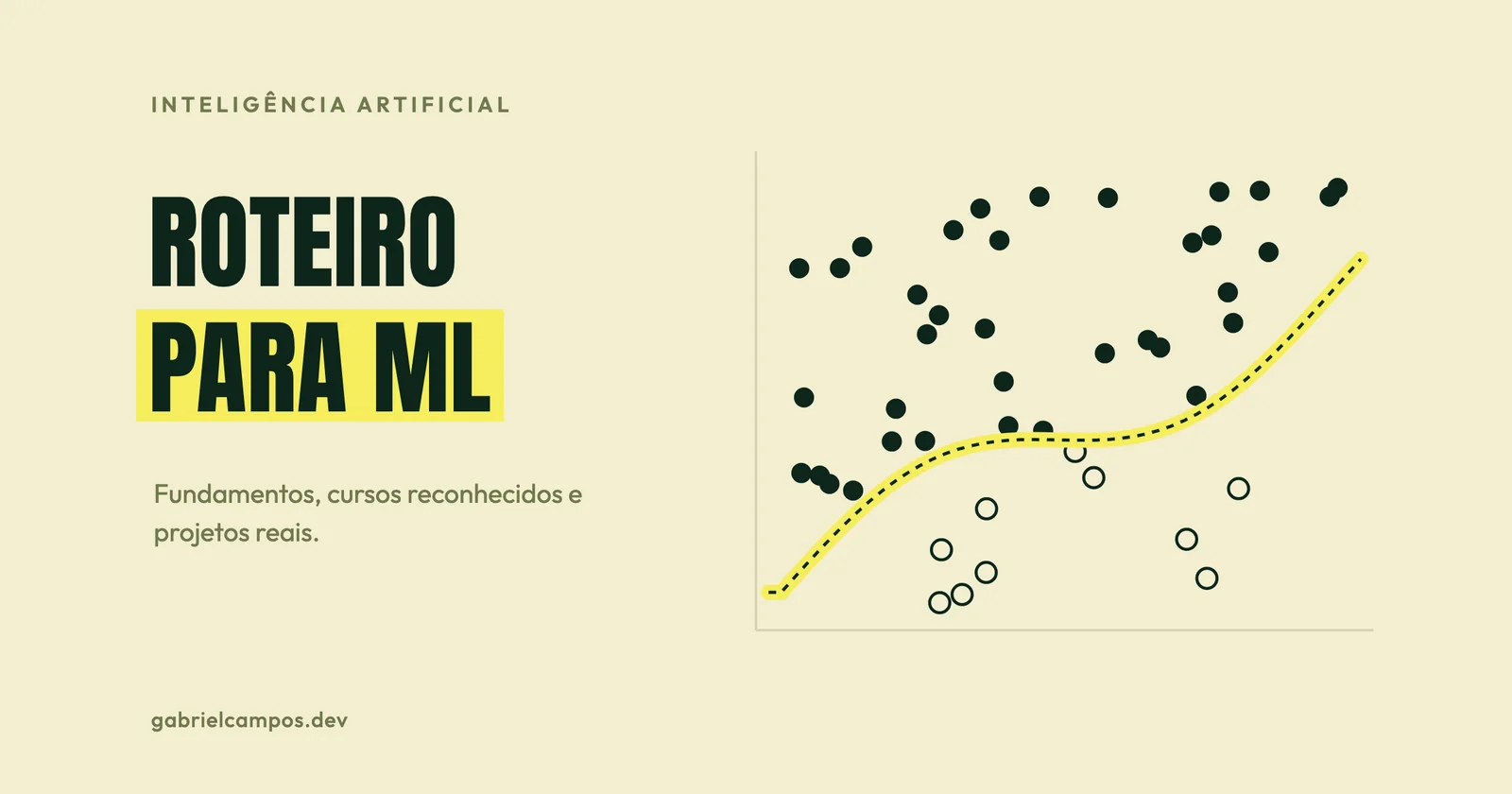
How to Learn Machine Learning: A Roadmap Based on Reliable Sources
A machine learning roadmap for software engineers: essential mathematical foundations, free and recognized courses, practical projects, and common pitfalls.
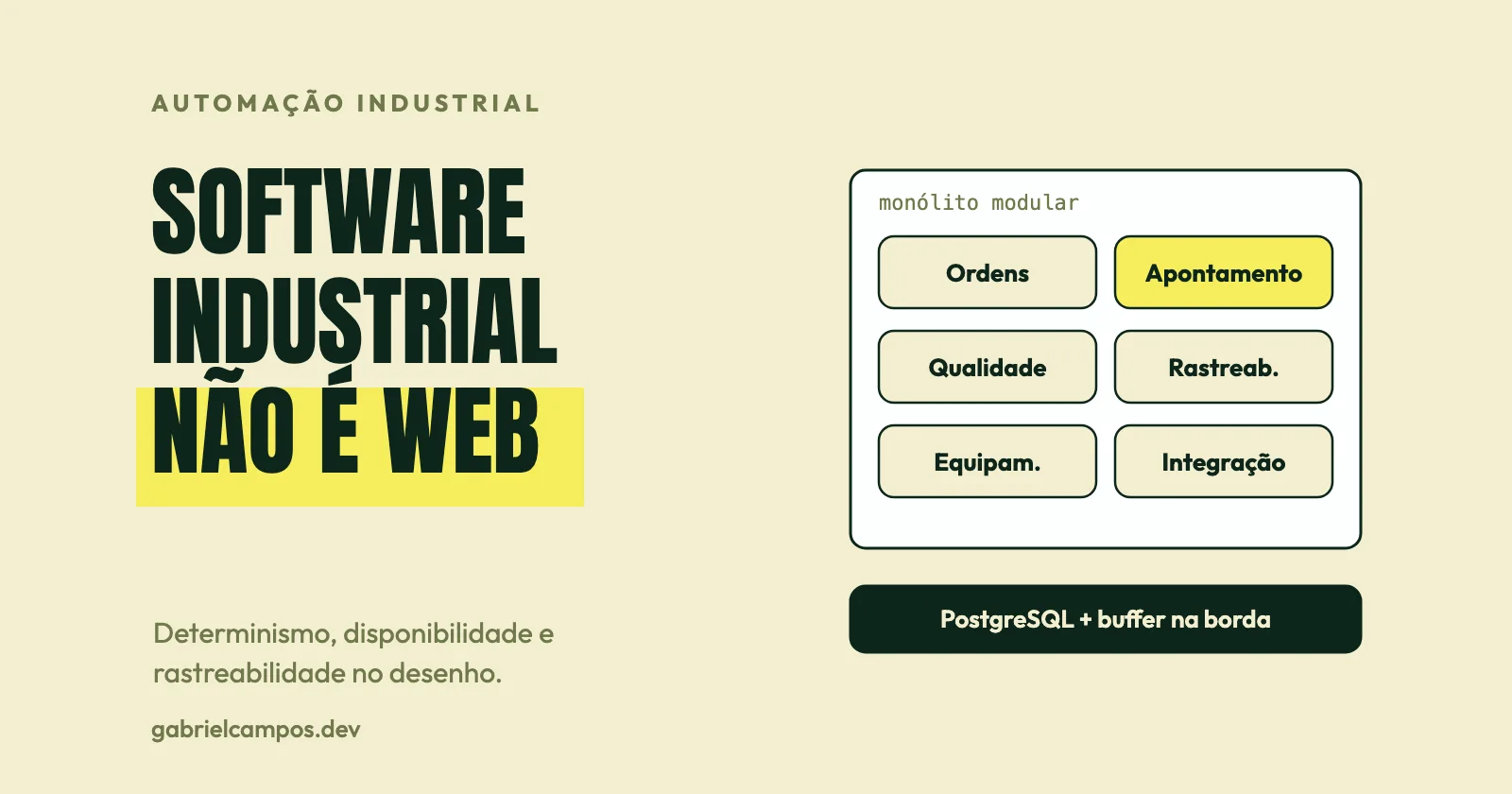
Software Engineering for Manufacturing: Architectural Guide
Why industrial software is not a web app: determinism, operational uptime, event-driven architectures, store-and-forward, observability, mock testing, and CI/CD.